No upload
The conversion runs entirely on your device. Your file stays private.
PDF to EPUB
Online converters ask you to send your file to a stranger's server. DeltaScroll converts PDF to EPUB on your own phone, PC or browser, then opens the result in a reader made for it.
How it works
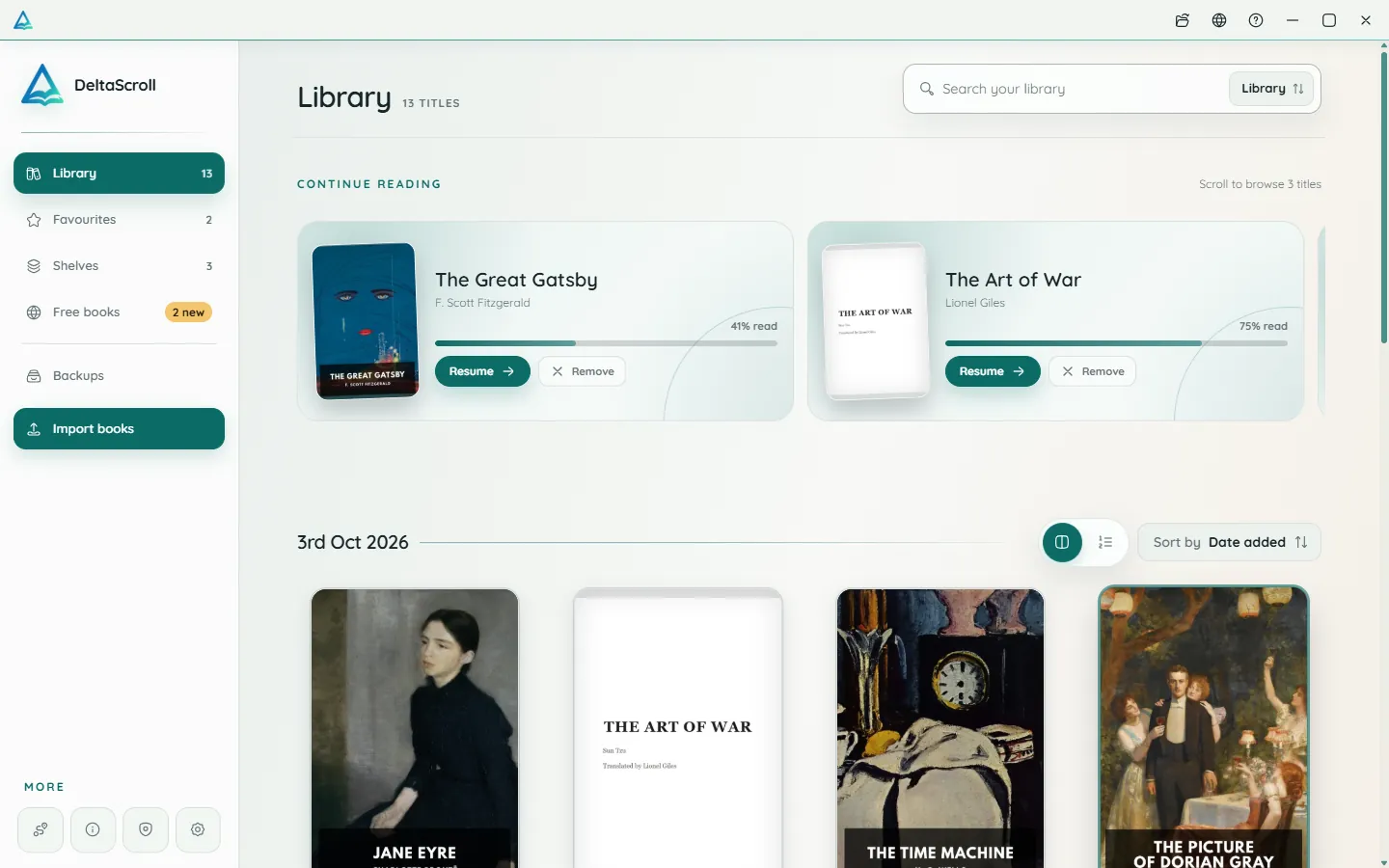
Import it in the Android app, the Windows app or the web reader.
DeltaScroll detects headings, keeps figures and generates a cover.
The new book appears in your library, ready to open.
What you get
The conversion runs entirely on your device. Your file stays private.
Headings in the PDF become chapters you can navigate.
Images and diagrams are carried into the EPUB.
DeltaScroll uses the first page or makes a clean cover for the book.
Large reports and long books convert in one go.
The converted book is included in your DeltaScroll backups.
PDF to EPUB
The converter reads the text inside a PDF, so it works best with PDFs that were created digitally. Scanned PDFs that contain only images of pages are not supported yet.
Questions
Yes. DeltaScroll converts PDF to EPUB on your own device, on Android, Windows and the web, and it is free to use.
Most books convert in seconds to a minute or two, depending on the number of pages and the speed of your device.
Not yet. DeltaScroll needs PDFs that contain text. Image-only scans are not supported for now.
Straight into your DeltaScroll library, where you can read it, highlight it and listen to it.
Keep exploring
Read PDFs comfortably on a phone or PC. DeltaScroll turns text PDFs into reflowing books with chapters, so you can change the font, highlight and listen.
DOCX to EPUBTurn Word documents into EPUB books on your own device. DeltaScroll keeps headings as chapters, keeps images and opens the result ready to read. No upload.
EPUB readerOpen EPUB books on Android, Windows or in your browser. DeltaScroll gives you page curls, five themes, six fonts, highlights and read-aloud, all offline.
Ebook readerDeltaScroll is a private ebook reader for Android, Windows and the web. Read EPUB, PDF and DOCX books offline, listen aloud and keep notes, with no account.
Get DeltaScroll
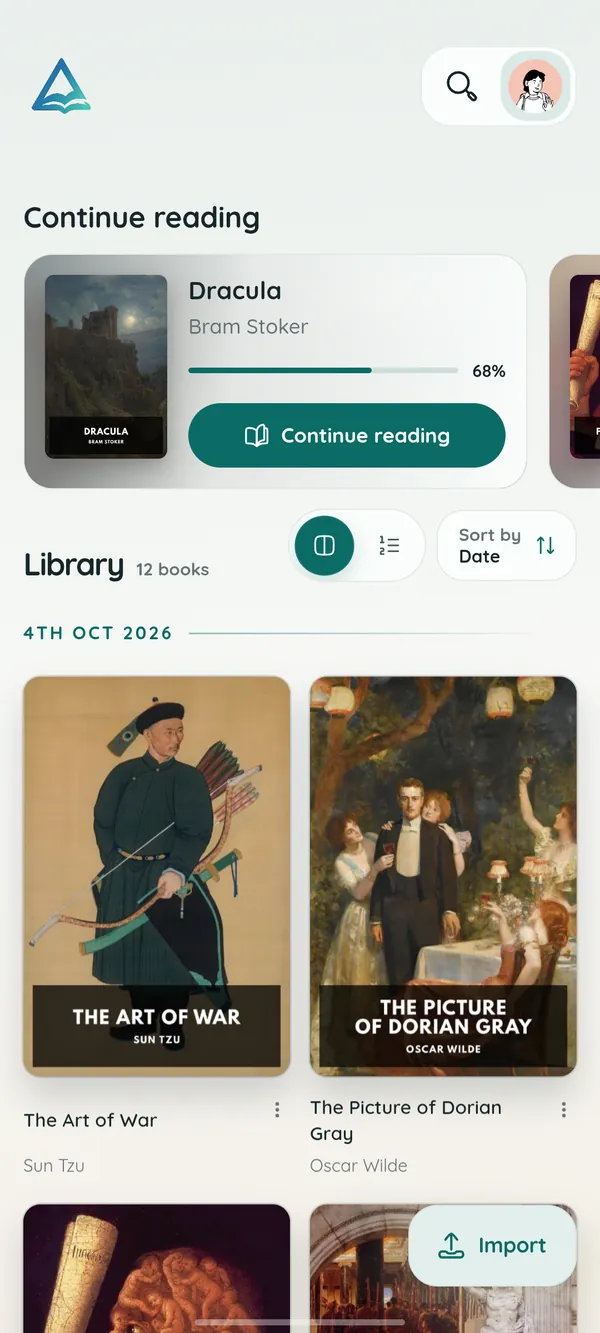
Your library in your pocket, with page turns that feel like paper and read-aloud for the commute.
A focused desktop reader with tabs for your books, natural voices and local PDF and DOCX conversion.
Open your library in any modern browser. Install it as an app if you like, and keep reading offline.
DeltaScroll is free to use, with no account and no ads. Pick your device and start reading.