Every format you own
EPUB opens as it is. PDF and DOCX become reflowing books with chapters, on your device.
Ebook reader
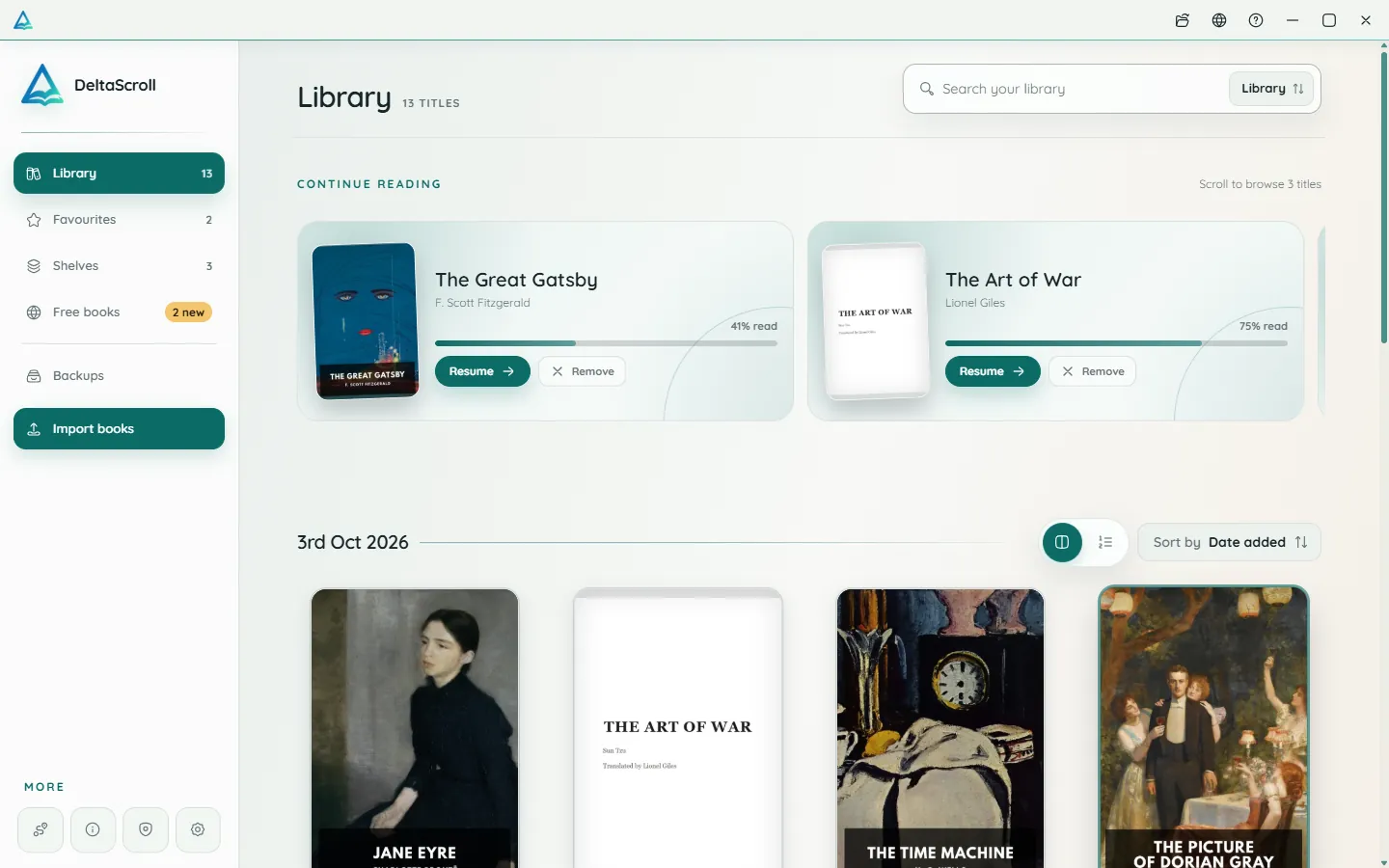
DeltaScroll is a calm reading app for the books you own and the classics you have always meant to read. It opens EPUB, PDF and DOCX files, works offline, and keeps your library on your device.
How it works
Import EPUB, PDF or DOCX files, or download a classic from inside the app.
Choose a theme, a font, a size and a spacing that feel right for your eyes.
Turn pages, scroll, or let natural voices read the chapter to you.
What you get
EPUB opens as it is. PDF and DOCX become reflowing books with chapters, on your device.
Five reading themes, six fonts, adjustable size and line spacing, and page curls or smooth scrolling.
Highlights in six colours, notes, bookmarks, a dictionary and search inside every book.
Shelves, favourites, a Finished tag, and sorting by title, author or date added.
Listen with natural voices while each sentence lights up, at the speed you choose.
One file or Google Drive carries books, positions, shelves, highlights and notes.
Ebook reader
Most reading apps want an account, a subscription or your attention. DeltaScroll wants none of those. It is an independent project built around a quiet page and a library that belongs to you.
Questions
The best reader is the one that fits how you read. DeltaScroll is free, needs no account, works offline, opens EPUB, PDF and DOCX files, and runs on Android, Windows and the web, so it suits people who want a private reader on more than one device.
Yes. Once a book is in your library you can read it, search it, highlight it and listen to it offline. You only need a connection to download new books or to use Google Drive backup.
Yes. Use the Android app on your phone and the Windows app or web reader on your computer. A backup file moves your books, positions and notes between them.
Yes. DeltaScroll is sometimes written as Delta Scroll. It is one app, available on Android, Windows and the web.
Keep exploring
Open EPUB books on Android, Windows or in your browser. DeltaScroll gives you page curls, five themes, six fonts, highlights and read-aloud, all offline.
PDF readerRead PDFs comfortably on a phone or PC. DeltaScroll turns text PDFs into reflowing books with chapters, so you can change the font, highlight and listen.
Read aloudListen to your books with DeltaScroll. Natural voices read EPUB, PDF and DOCX books aloud, each sentence lights up as it is read, and you set the speed.
Free classicsDownload free classic ebooks inside DeltaScroll: new Standard Ebooks editions every week and over 70,000 public-domain books from Project Gutenberg.
Get DeltaScroll
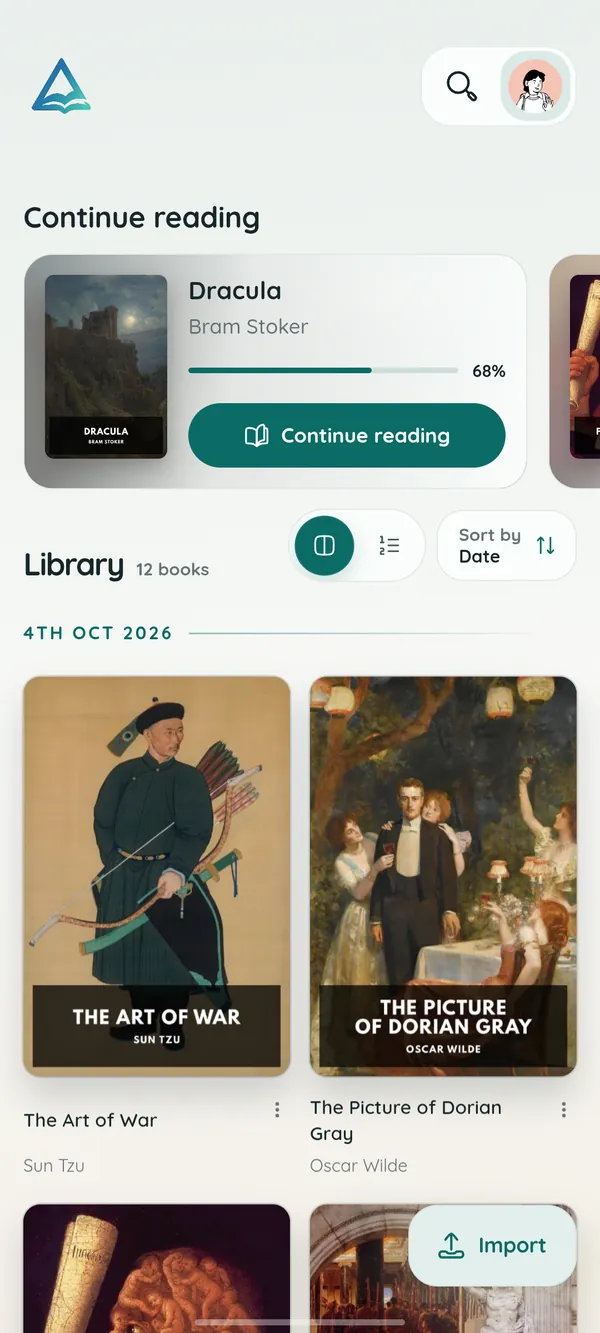
Your library in your pocket, with page turns that feel like paper and read-aloud for the commute.
A focused desktop reader with tabs for your books, natural voices and local PDF and DOCX conversion.
Open your library in any modern browser. Install it as an app if you like, and keep reading offline.
DeltaScroll is free to use, with no account and no ads. Pick your device and start reading.