Uses your structure
Word headings and outline levels become the EPUB's chapters.
DOCX to EPUB
Writing a novel, a thesis or a newsletter in Word? DeltaScroll converts DOCX to EPUB on your device, using your headings as chapters, so you can read your work the way your readers will.
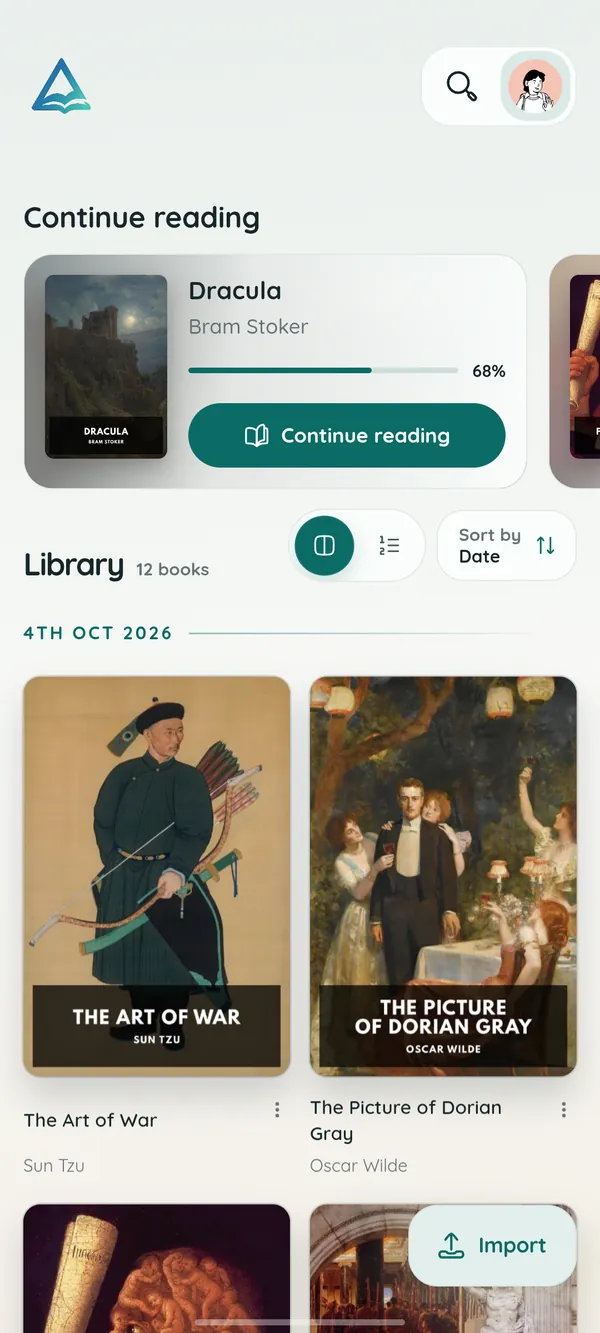
How it works
Import it on Android, Windows or in the web reader.
Each heading starts a chapter, and images come along.
Read it, mark it up and listen to it like any other book.
What you get
Word headings and outline levels become the EPUB's chapters.
Pictures in the document are embedded in the book.
The document's thumbnail is used as the cover when it has one.
Conversion happens on your device. Nothing is uploaded.
Listen to your draft with read-aloud to catch awkward sentences.
Your DOCX file is never modified.
DOCX to EPUB
Use Word's built-in heading styles for chapter titles. DeltaScroll reads them to build the contents list, so a well-structured document becomes a well-structured book.
Questions
Import the DOCX into DeltaScroll on Android, Windows or the web reader. It is converted to an EPUB book on your device at no cost.
Headings become chapters and images are kept. Page layout details meant for printing, such as page breaks and margins, give way to text that reflows to the screen.
No. The conversion runs on your own device.
Yes. Use Save EPUB in the book's menu to keep a copy of the converted book.
Keep exploring
Open Word documents on your phone, PC or browser and read them like a book. DeltaScroll turns DOCX files into chapters with themes, notes and read-aloud.
PDF to EPUBConvert PDF to EPUB on your own device, with no upload. DeltaScroll finds chapters, keeps images and builds a cover, then opens the book ready to read.
EPUB readerOpen EPUB books on Android, Windows or in your browser. DeltaScroll gives you page curls, five themes, six fonts, highlights and read-aloud, all offline.
Read aloudListen to your books with DeltaScroll. Natural voices read EPUB, PDF and DOCX books aloud, each sentence lights up as it is read, and you set the speed.
Get DeltaScroll
Your library in your pocket, with page turns that feel like paper and read-aloud for the commute.
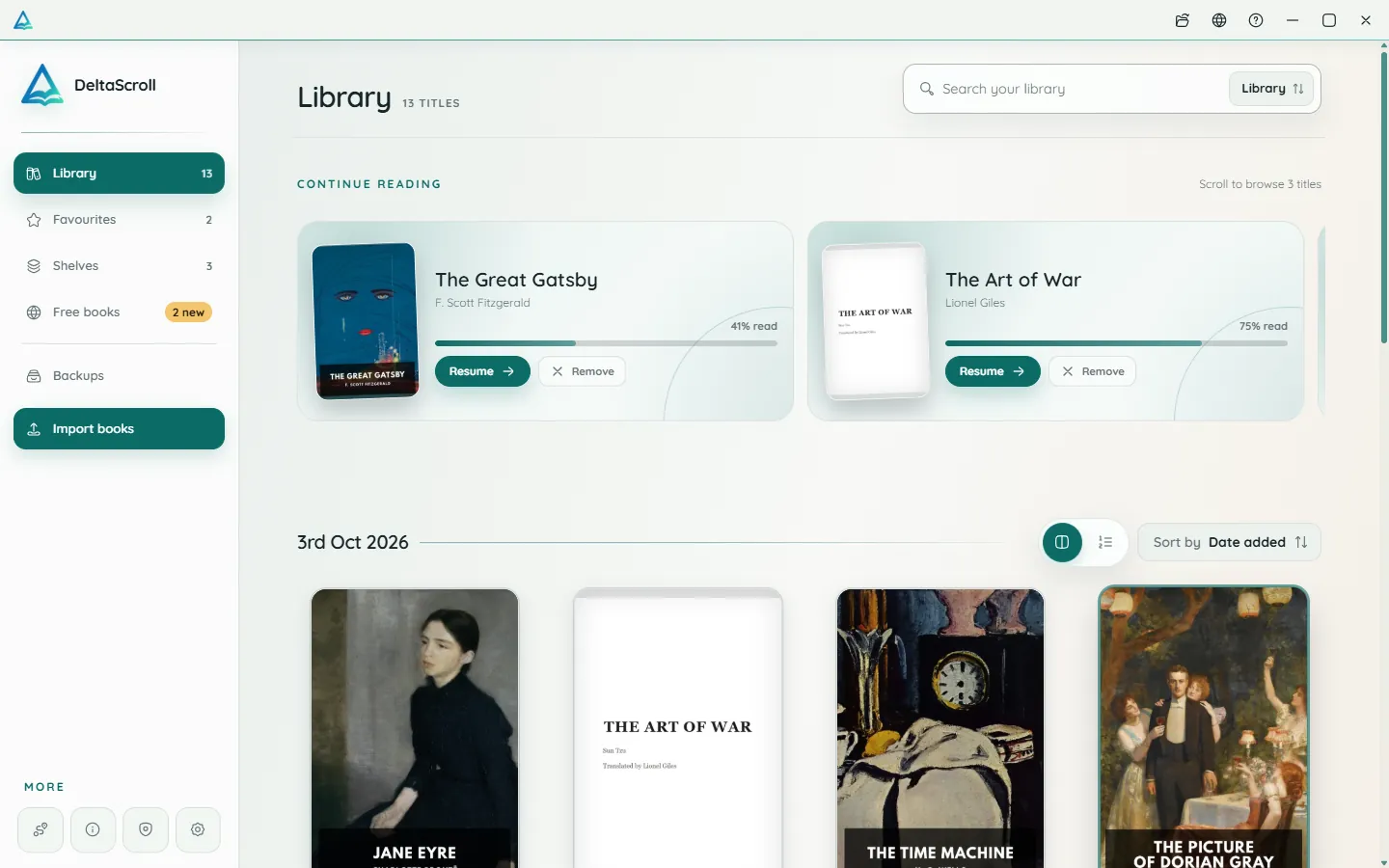
A focused desktop reader with tabs for your books, natural voices and local PDF and DOCX conversion.
Open your library in any modern browser. Install it as an app if you like, and keep reading offline.

DeltaScroll is free to use, with no account and no ads. Pick your device and start reading.