No Word needed
Read DOCX files on Android, Windows or the web without Microsoft Word.
DOCX reader
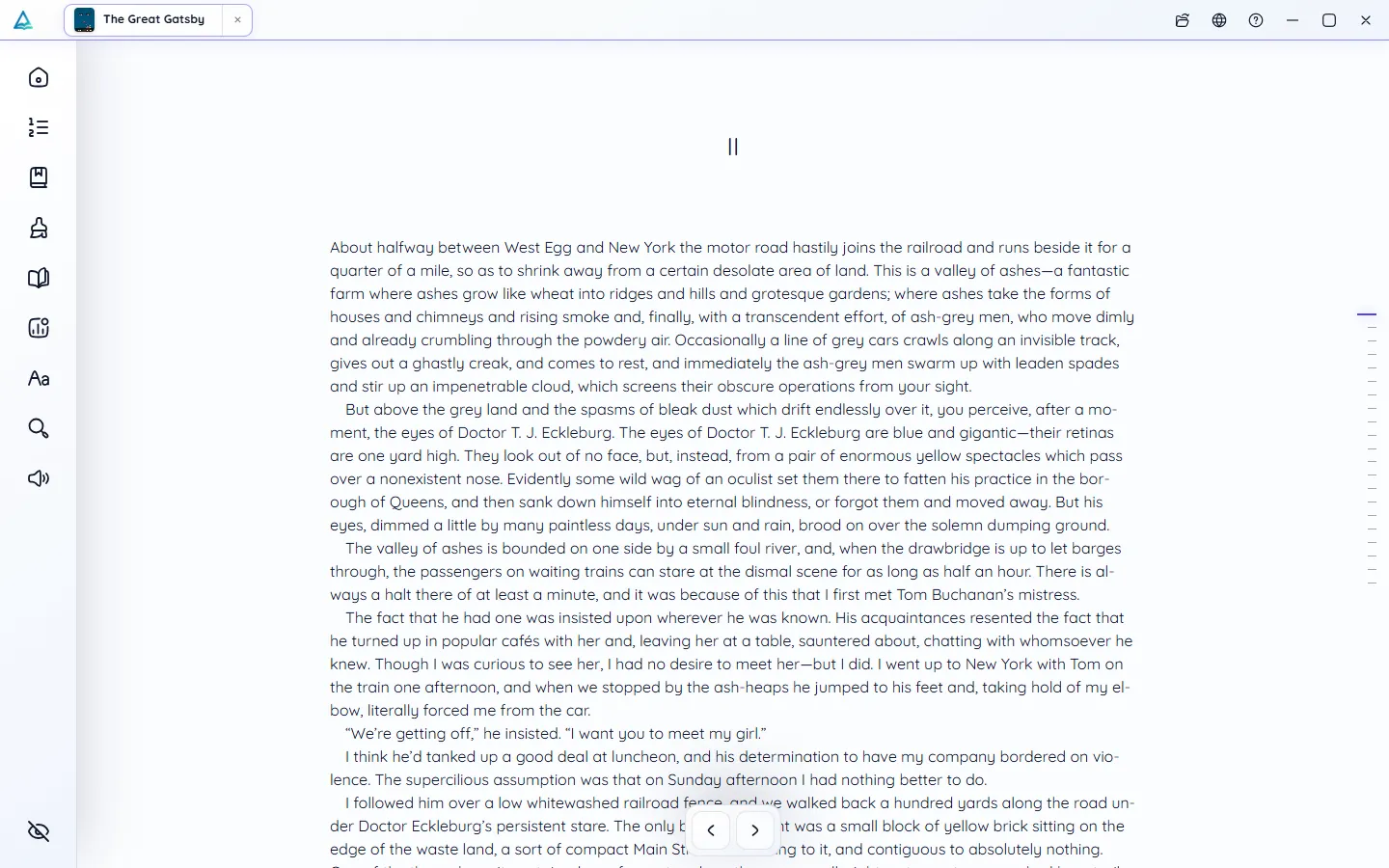
Manuscripts, course notes, long reports: some documents deserve better than an editor window. DeltaScroll opens a DOCX file as a book, with its headings as chapters and its images in place.
How it works
Choose a Word document on your phone, PC or in the web reader.
DeltaScroll splits the document at its headings and builds a contents list.
Highlight, add notes, search and listen, all without editing the original.
What you get
Read DOCX files on Android, Windows or the web without Microsoft Word.
The document's own heading structure becomes the table of contents.
Pictures in the document are kept in the book.
DeltaScroll makes a reading copy and leaves the DOCX file as it was.
Highlight passages in six colours and leave notes as you read.
Hearing a manuscript read aloud is one of the best ways to catch mistakes.
DOCX reader
Reading a draft as a book shows it the way a reader will see it. Students can carry course documents in the same library as their novels, with the same notes and highlights.
Questions
Install DeltaScroll for Android, then import the DOCX file or open it from your file manager. It opens as a book you can read, highlight and listen to.
No. DeltaScroll creates a reading copy and never edits the original DOCX file.
Yes. Headings become chapters in the contents list, and images stay in the book.
Yes. Importing a DOCX into DeltaScroll converts it to an EPUB book on your device.
Keep exploring
Turn Word documents into EPUB books on your own device. DeltaScroll keeps headings as chapters, keeps images and opens the result ready to read. No upload.
PDF readerRead PDFs comfortably on a phone or PC. DeltaScroll turns text PDFs into reflowing books with chapters, so you can change the font, highlight and listen.
Read aloudListen to your books with DeltaScroll. Natural voices read EPUB, PDF and DOCX books aloud, each sentence lights up as it is read, and you set the speed.
Ebook readerDeltaScroll is a private ebook reader for Android, Windows and the web. Read EPUB, PDF and DOCX books offline, listen aloud and keep notes, with no account.
Get DeltaScroll
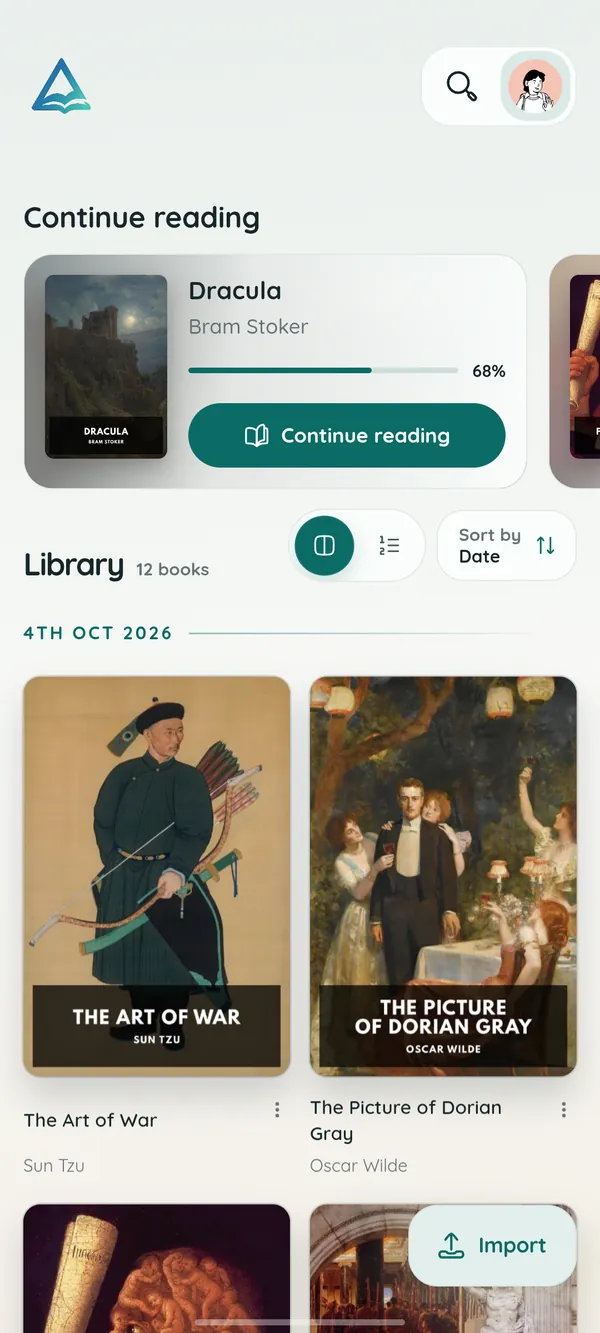
Your library in your pocket, with page turns that feel like paper and read-aloud for the commute.
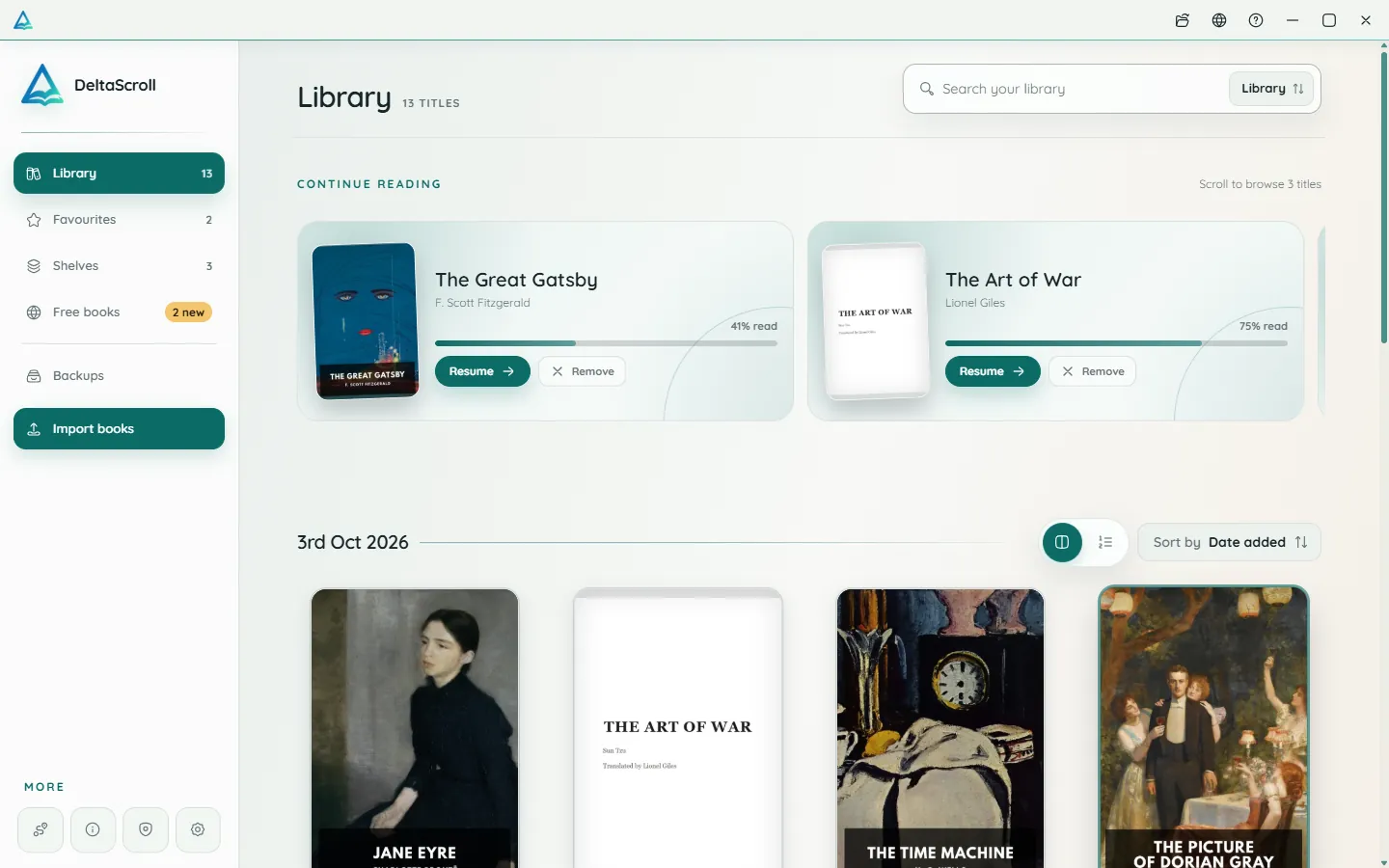
A focused desktop reader with tabs for your books, natural voices and local PDF and DOCX conversion.
Open your library in any modern browser. Install it as an app if you like, and keep reading offline.

DeltaScroll is free to use, with no account and no ads. Pick your device and start reading.